
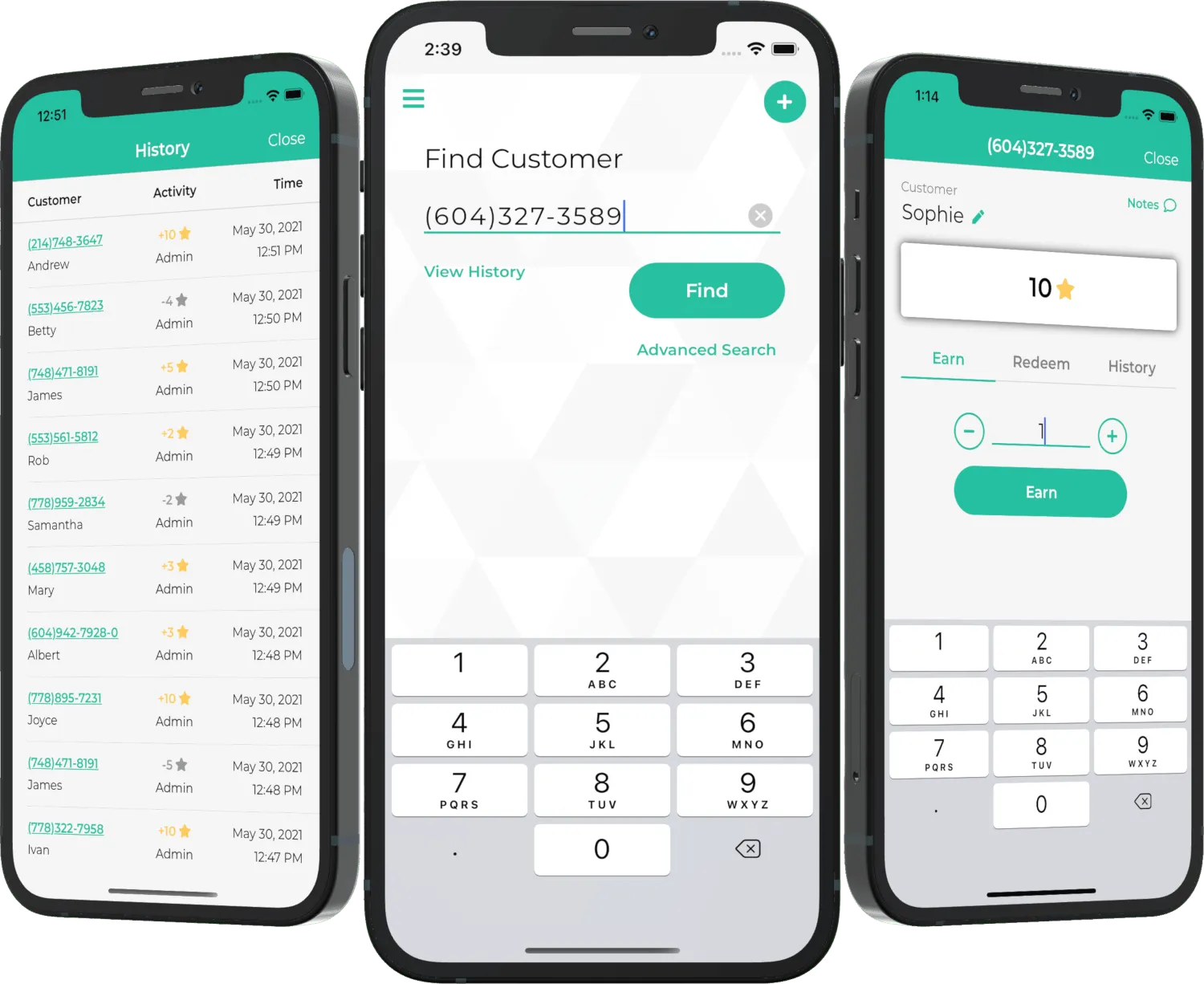
Customers earn & redeem points using just their phone number
★ If you’re a customer, you may check your points balance here
Top Features
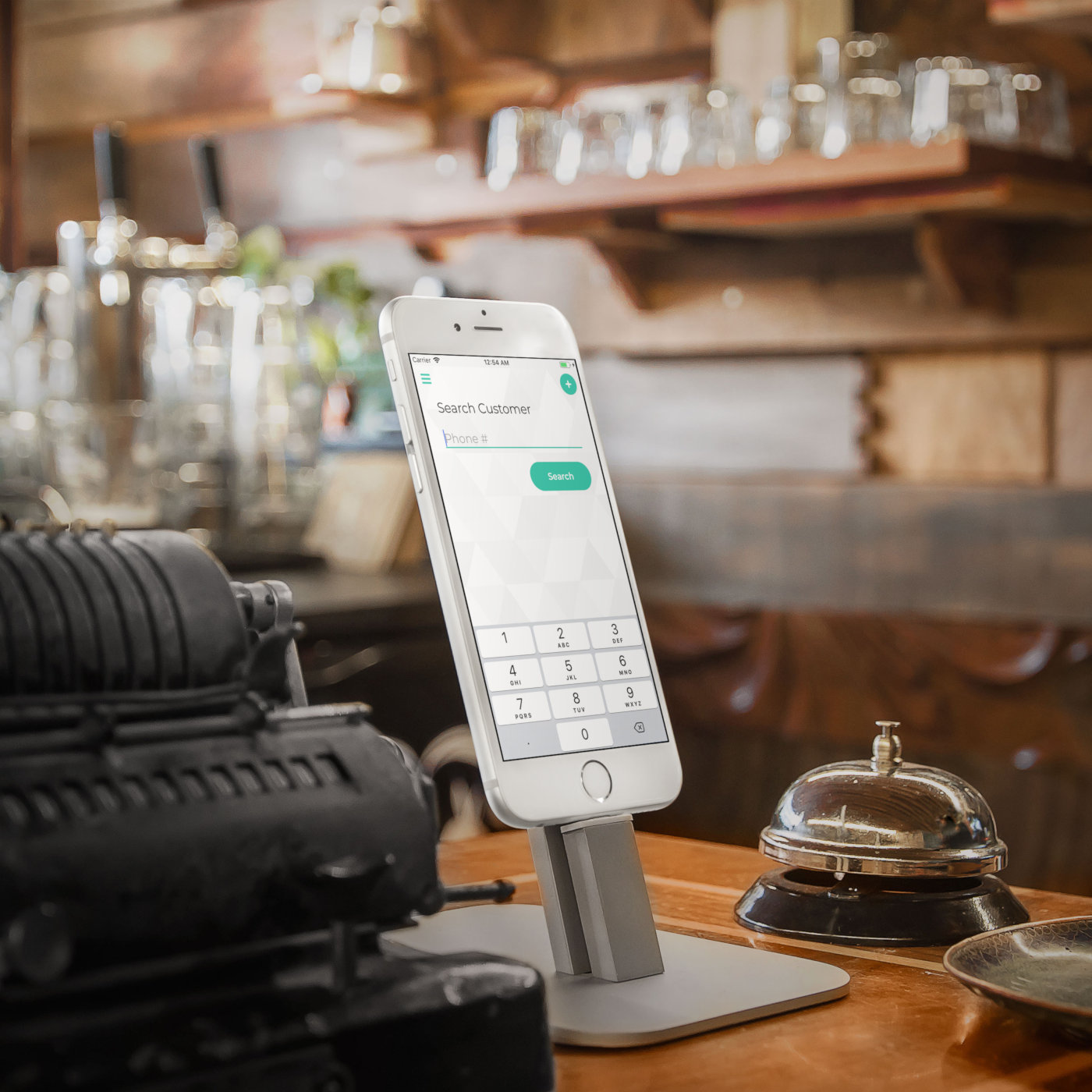
New Kiosk Mode
Set up a separate device in Kiosk Mode so customers enter their phone number themselves (read more)
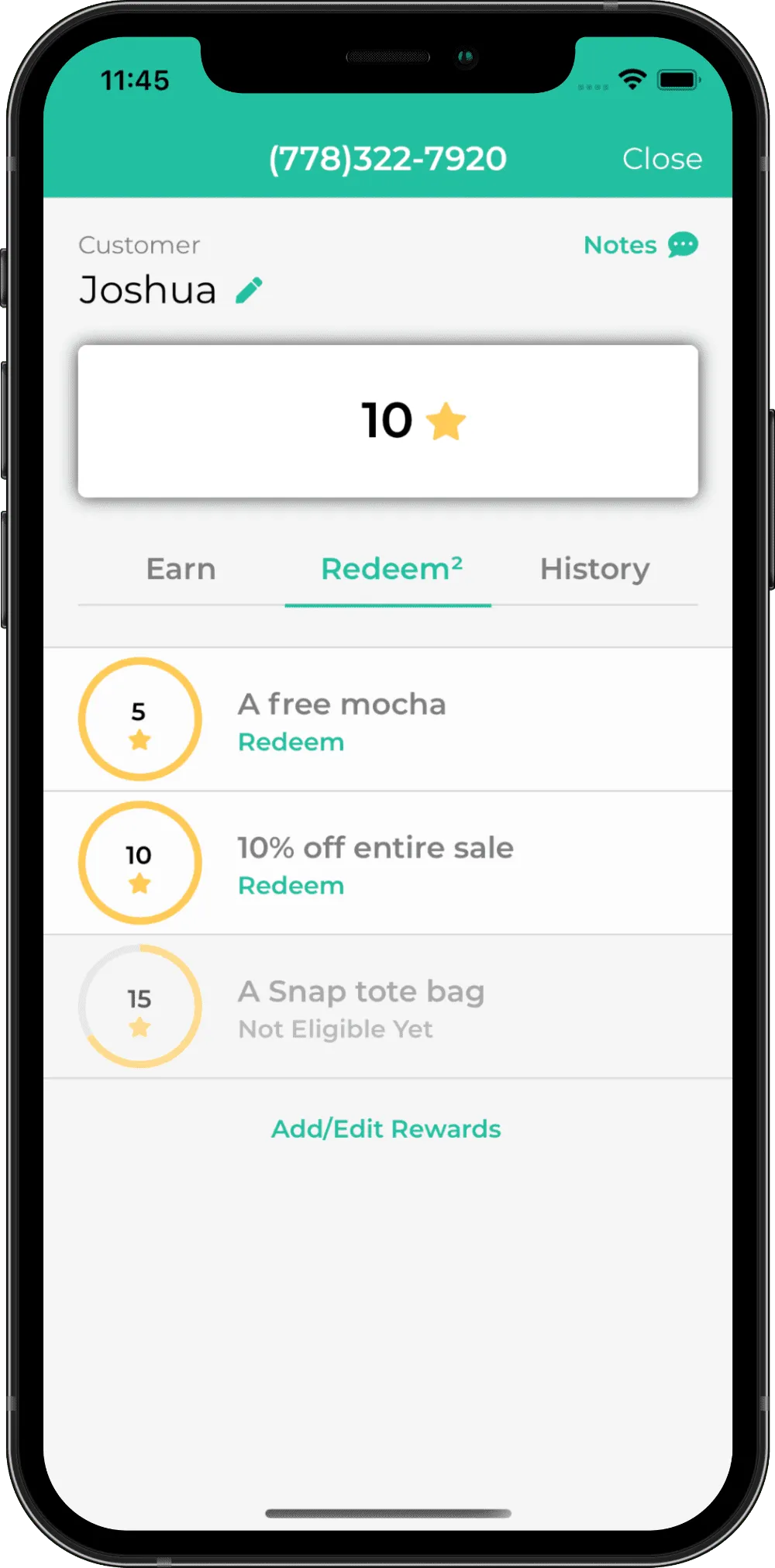
Manage Points
Earn or redeem points quickly with minimal taps
Automated SMS
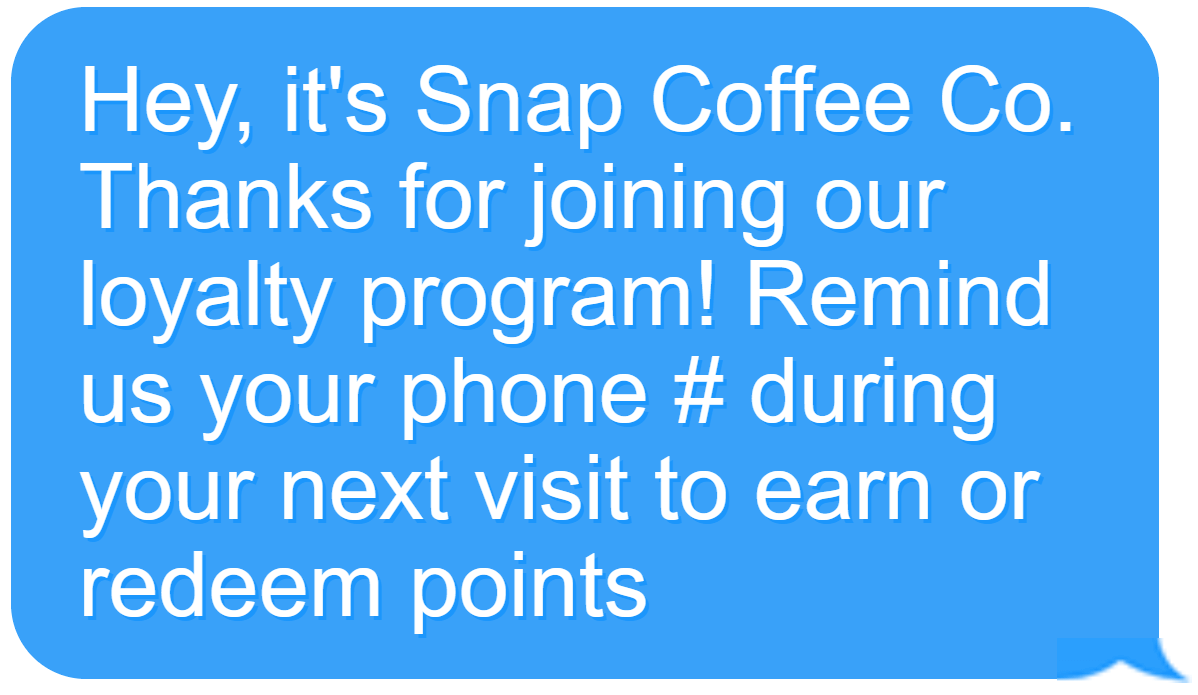
Customize and automate welcome texts, birthday texts and inactivity texts
Team Members
Create team member accounts with limited access
Points Expiration & Reminder
Incentivize customers to return with SMS reminders – 30 days before points expire
View History
View points earned or redeemed via timestamped logs
Export Customers
Export your customers into a CSV file, emailed to yourself
Loyalty Matters
Small businesses use Snap Loyalty to improve customer retention and revenue stream




Pricing
We offer the most competitive pricing you can find, because we believe in helping small businesses above all else.
Our free Starter Trial lets you to add up to 50 customers. Afterwards, the Complete Plan is only $10 / month, or $100 / year on an annual plan, for unlimited customers, SMS messaging to them and priority support. No contract – cancel anytime. Plus, for a limited time, new subscribers will get 50% off for the first year. Prices are in USD.
Starter
- ✓ Up to 50 customers
- ✓ Default welcome SMS message
- ✓ Progress summary
- ✓ Queued support
Complete (Annual)
50% OFF for the 1st year- ✓ Unlimited customers
- ✓ Customizable welcome SMS message
- ✓ Customize inactivity SMS message
- ✓ Mass SMS messaging to customers
- ✓ Multiple Locations
- ✓ Progress summary
- ✓ Priority support
- + And more
Complete
50% OFF for the 1st year- ✓ Unlimited customers
- ✓ Customizable welcome SMS message
- ✓ Customize inactivity SMS message
- ✓ Mass SMS messaging to customers
- ✓ Multiple Locations
- ✓ Progress summary
- ✓ Priority support
- + And more
Get started for free
Available on Web, iOS or Android. Start managing your loyalty program today.

Frequently Asked Questions (FAQ)
Can I use the app at multiple locations/sites?
Absolutely. You can use your main account on as many devices, at the same time, as you’d like. You also have the option to create Team Member accounts for your employees to use, with sensitive features locked away. You probably only want the business owner, and not every employee, to be able to send mass SMS text messages to your entire customer base.
What constitutes 1 ★?
It’s entirely up to you how your customers earn points. For example, you can give out 1 ★ per visit, per dollar spent, or per eligible item purchased.
After that, you can define in the app what your customers receive when they’ve earned specific amounts of points. For example, you can let them redeem 10% off the entire purchase with 5 ★. The app will let you know what they’re eligible for and automatically deduct the points should they redeem.
How do I make points expire automatically?
In the app, open the side menu, go to the Profile page, then ensure that the toggle Expire Inactive Customers (1 Year) is enabled. When enabled, any customer who has not redeemed or earned any points at your business in the last year will have all their points removed. However, you can restore all their points manually in the History tab of the customer page. You can choose to send a reminder just before their points are about to expire to get them coming back.
Can I automate birthday messages to my customers?
Yes, you can customize and automate SMS messages that will be sent to your customers on their birthdays. This is optional but will greatly enhance your brand with almost no effort. You can also choose to automatically give bonus points on their birthdays.
Which platforms do you support?
We support iOS, Android and Web (browser). For mobile devices and small tablets, the iOS/Android app provides the best experience. For large tablets, laptops and desktops, the Web app is the way to go.
The Best Loyalty App for Small Businesses
Created by small business owners, for small business owners, Snap Loyalty is built on community feedback. Have an idea, a suggestion, or need a little help? Use the form below to reach us quickly, or email our team directly at team@snaployaltyapp.com